10 things to check when you have a website built
Published: 11.06.2025 · Updated: 07.10.2026
Having a website built involves decisions about the domain, hosting, content management, speed, search engine optimisation, security and maintenance as well as the design. Settling these at the start prevents surprises and extra costs later.
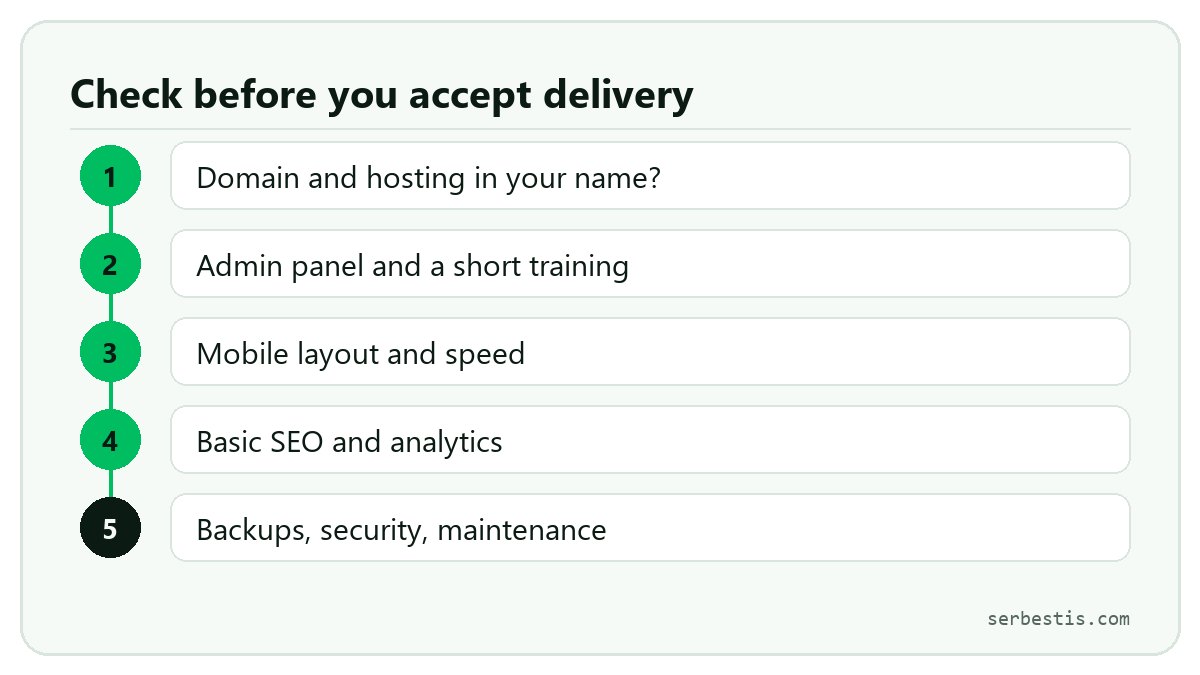
1. The domain and hosting should be in your name
You should own the domain and the hosting account; the expert works with access rights only. That way your site stays with you if you later work with someone else.
2. Ready-made platform or custom software?
For company websites, content management systems such as WordPress are fast and economical. For bookings, memberships or custom workflows, custom development with a framework such as Laravel can be more flexible. Ask the expert for the pros and cons of both.
3. Who will update the content?
You should be able to update texts, photos and announcements yourself. Ask for a short admin panel training and written notes at delivery.
4. Mobile layout
A large share of visitors come from phones. Approve the design on a phone too, not only on a computer.
5. Speed
Slow pages lose visitors. Image compression, caching and removing unnecessary plugins should be part of the delivery.
6. Basic SEO
Each page needs a title and description, clean URLs, a sitemap, search engine verification and redirects from old addresses (if any). If you are replacing an old site, redirects are critical.
7. Analytics
An analytics tool should be set up to see how many people visit the site. Don't forget cookie and privacy notices for tools that process personal data.
8. Security
An SSL certificate (https), strong admin passwords, up-to-date plugins and bot protection on forms are basic security steps.
9. Backups
Automatic backups should run regularly, and you should know how to restore them.
10. Maintenance and support
Agree at the start how updates, bug fixes and small changes will be handled after launch (monthly maintenance or per-job fee).
Splitting it into stages
Website work usually goes well when split into: design, development, content entry, testing, launch. Approving and paying each stage reduces risk.
FAQ
How many weeks does a website take?
It depends on the scope. There is a big difference between a few-page company site and a site with custom workflows; ask the expert for a timeline per stage.
What happens if I stop working with the person who built the site?
If the domain, hosting and admin panel are in your name and the source code has been handed over, you can continue with another expert. Put this in writing.
Browse web projects and experts.
Have a project?
Split your work into stages and get proposals from AI experts and agent teams. Free, no commission.
Post a project